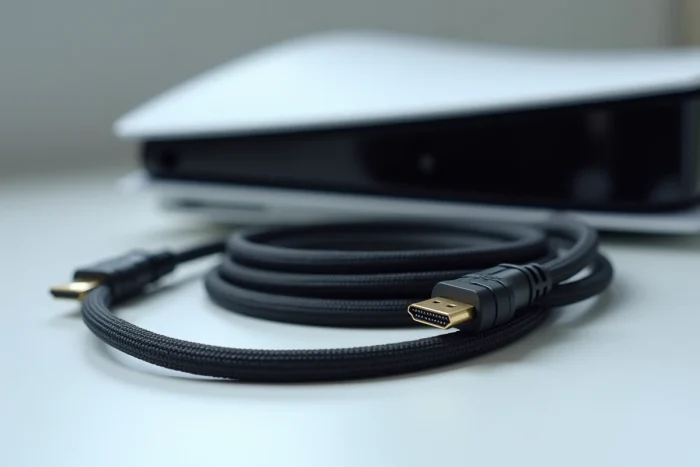
You connect your PS5 to your 4K television, launch a game, and the image stutters or displays a black screen for a split second. The instinct is to suspect the console or the television. The HDMI cable rarely tops the list of suspects. Yet, it is the link that carries the signal between the two, and not all HDMI cables are created equal for utilizing the capabilities of the PS5.
Ultra High Speed Certification: the only reliable benchmark for a PS5 HDMI cable
The PS5 features an HDMI 2.1 port capable of handling 4K at 120 frames per second, VRR (variable refresh rate), ALLM (automatic low latency mode), and dynamic HDR. For these functions to work without artifacts or interruptions, the cable must support a bandwidth of 48 Gbit/s.
Have you noticed “HDMI 2.1” labels on cables sold at very low prices? Since 2023, compatibility tests have revealed cables advertised as 48 Gbit/s but never certified. The result: black screen, signal loss, or VRR disabled at 4K 120 Hz.
The “Ultra High Speed HDMI Cable” certification program, managed by HDMI Licensing Administrator, exists specifically to filter out these products. A certified cable carries a QR code that can be verified via the official HDMI Cable Certification app. If you’re looking to find out which HDMI cable for PS5 on Gazette Debout, this certification criterion consistently appears as the first selection filter.
Check the QR code before purchasing, including on marketplaces. A cable without this code offers no guarantee of stability at 4K 120 Hz with HDR enabled.
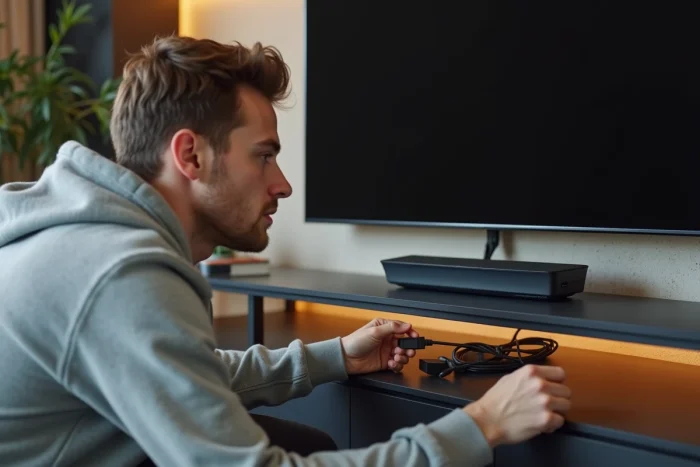
HDMI cable length and signal stability at 4K 120 Hz
Most HDMI cables provided with the PS5 are about 1.5 m long. This length is sufficient for a compact setup. However, if your console is several meters away from the television (in a cabinet, rack, or home theater room), the question of length becomes technical.
In passive copper, reliability remains good up to about 3 meters for a 4K 120 Hz + HDR signal. Beyond that, things get complicated. User feedback and tests show a marked increase in dropouts and flickering on passive cables of 5 to 10 meters, even when the product listing states “HDMI 2.1”.
Passive cable or active cable: when to switch
A passive cable transmits the signal as is. An active cable incorporates a small electronic circuit that regenerates the signal over distance. For distances greater than 3 meters with a PS5 at 4K 120 Hz, an active cable or fiber optic cable offers much better stability.
- Up to 3 m: a certified Ultra High Speed passive cable is more than sufficient for all PS5 functions.
- From 3 to 5 m: a good quality passive cable may work, but test it at 4K 120 Hz with HDR to confirm stability.
- Beyond 5 m: prefer a certified Ultra High Speed active cable or fiber optic cable to avoid signal loss.
Prices increase with length and active technology, but this is the only parameter that truly justifies an extra cost. A passive cable of 1.5 m to 2 m is inexpensive, and a certified model performs its role perfectly.
Is the HDMI cable provided with the PS5 sufficient?
Sony ships the PS5 with a compatible HDMI 2.1 cable. For most setups (console and television close together, 4K 60 Hz or 4K 120 Hz television), this cable does the job without issue.
So why change it? Two concrete situations justify a replacement:
- The distance between the console and the television exceeds the length of the provided cable, and you are using an extension or a non-certified cable as a supplement.
- You notice visual artifacts (flickering, micro-cuts, fleeting black screens) when activating 120 Hz mode or VRR in the PS5 settings.
- The original cable is damaged (bending at the connector, damaged sheath), which degrades the signal transmission.
In the absence of these symptoms, the provided cable does not need to be replaced. Buying a more expensive cable “for image quality” does not add anything if the signal is already passing correctly. Digital does not work like analog: either the signal arrives intact, or it does not pass at all.
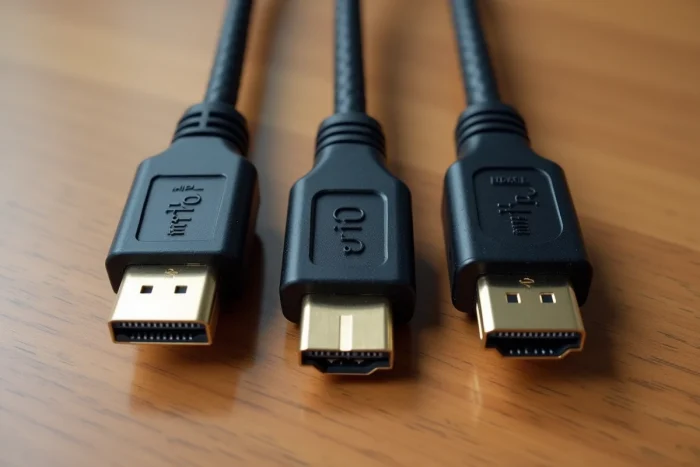
PS5 settings to check after connecting the HDMI cable
A good cable is useless if the software settings block the functions it carries. Once the cable is connected, a few checks on the console and television can confirm that everything is working.
On the PS5 side
In Settings, then Screen and Video, check that the video output mode is set to “Automatic” or to the desired resolution. Enable VRR if your television supports it. Also enable HDR if your screen is compatible. The performance mode of each game (120 Hz) is then set in the game’s graphical options.
On the television side
Many recent 4K televisions have multiple HDMI ports, but not all ports support HDMI 2.1. Check your model’s manual to identify the compatible port (often HDMI port 1 or the port labeled “Game”). In the television settings, enable “Extended Signal” or “HDMI Enhanced” on the used port. Without this activation, the television limits the signal to HDMI 2.0, which disables 4K 120 Hz and VRR.
A certified Ultra High Speed cable, connected to the right port, with the correct settings on both sides: this is the combination that truly unlocks the visual potential of the PS5. The cable is the easiest part to set up, as long as you don’t get the certification wrong.